Music lovers and hobbyists
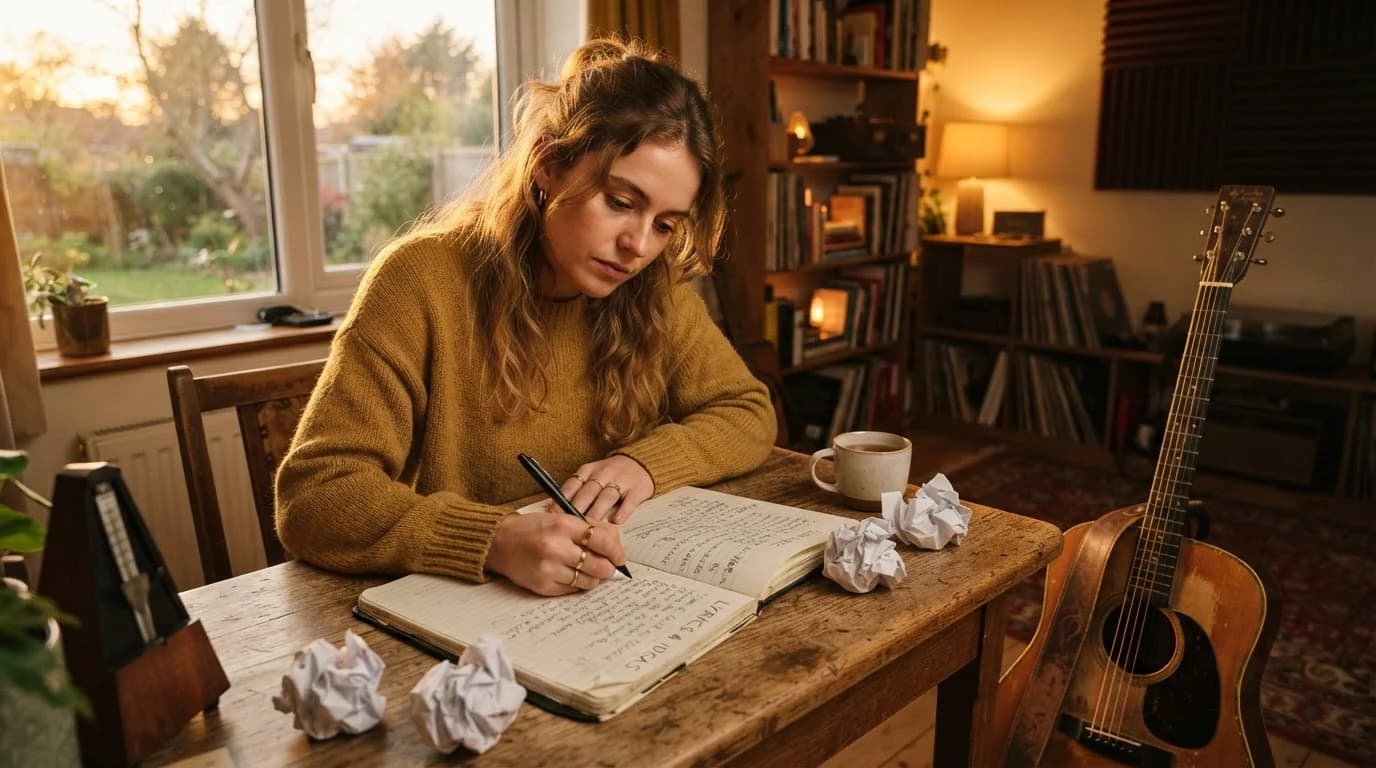
Create original songs from simple ideas without needing music production experience.
Turn your ideas into original songs in seconds. Describe the song you want, choose your style, and let AI create the music for you.
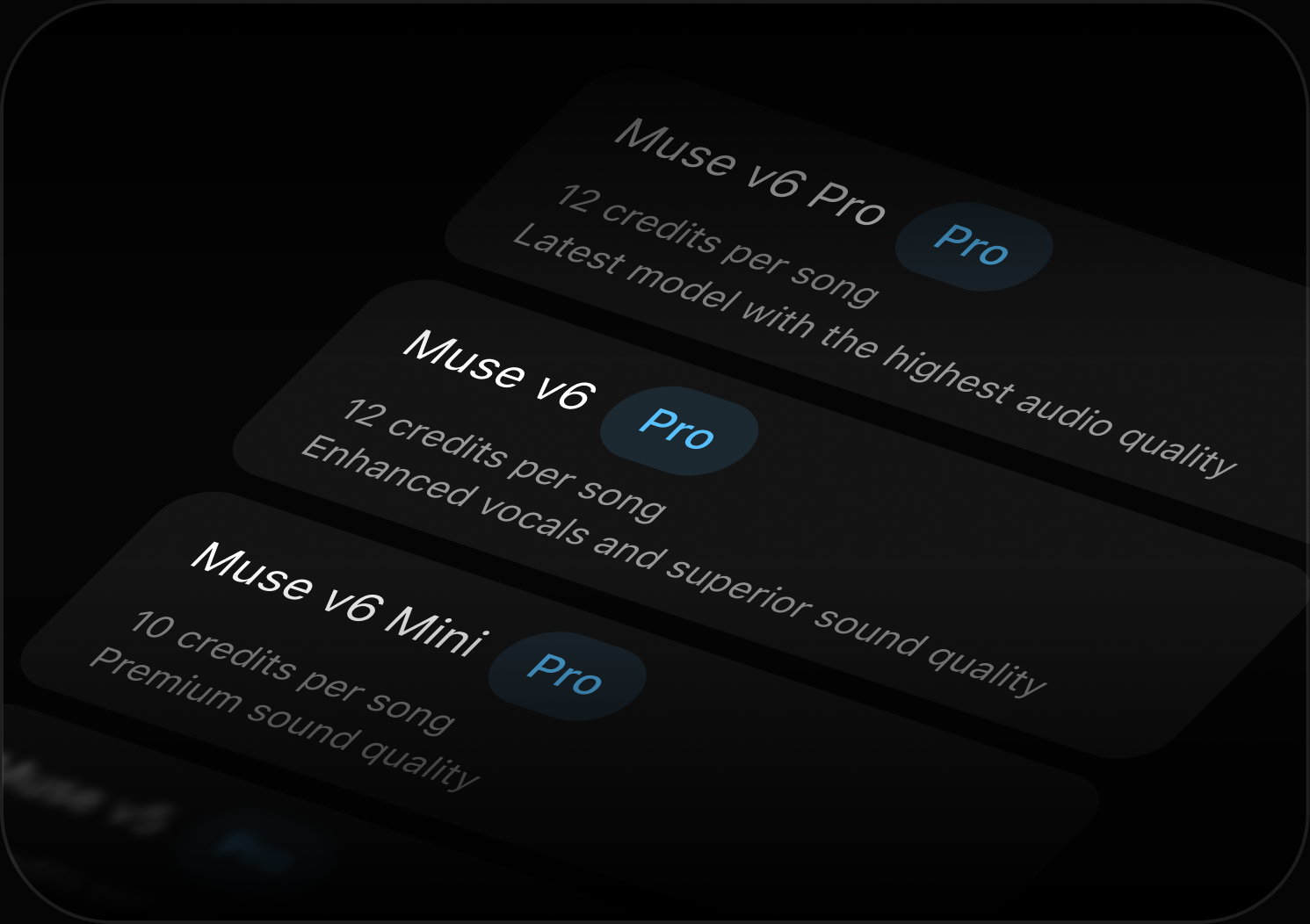
Choose the AI model that fits your needs and turn your ideas or lyrics into high-quality songs with customizable styles, vocals, and more.
Latest model with the highest audio quality.
Enhanced vocals and superior sound quality.
Premium sound quality with efficient generation.
Turn your ideas into original songs in just a few steps. Describe what you want to hear and let AI create the music for you.
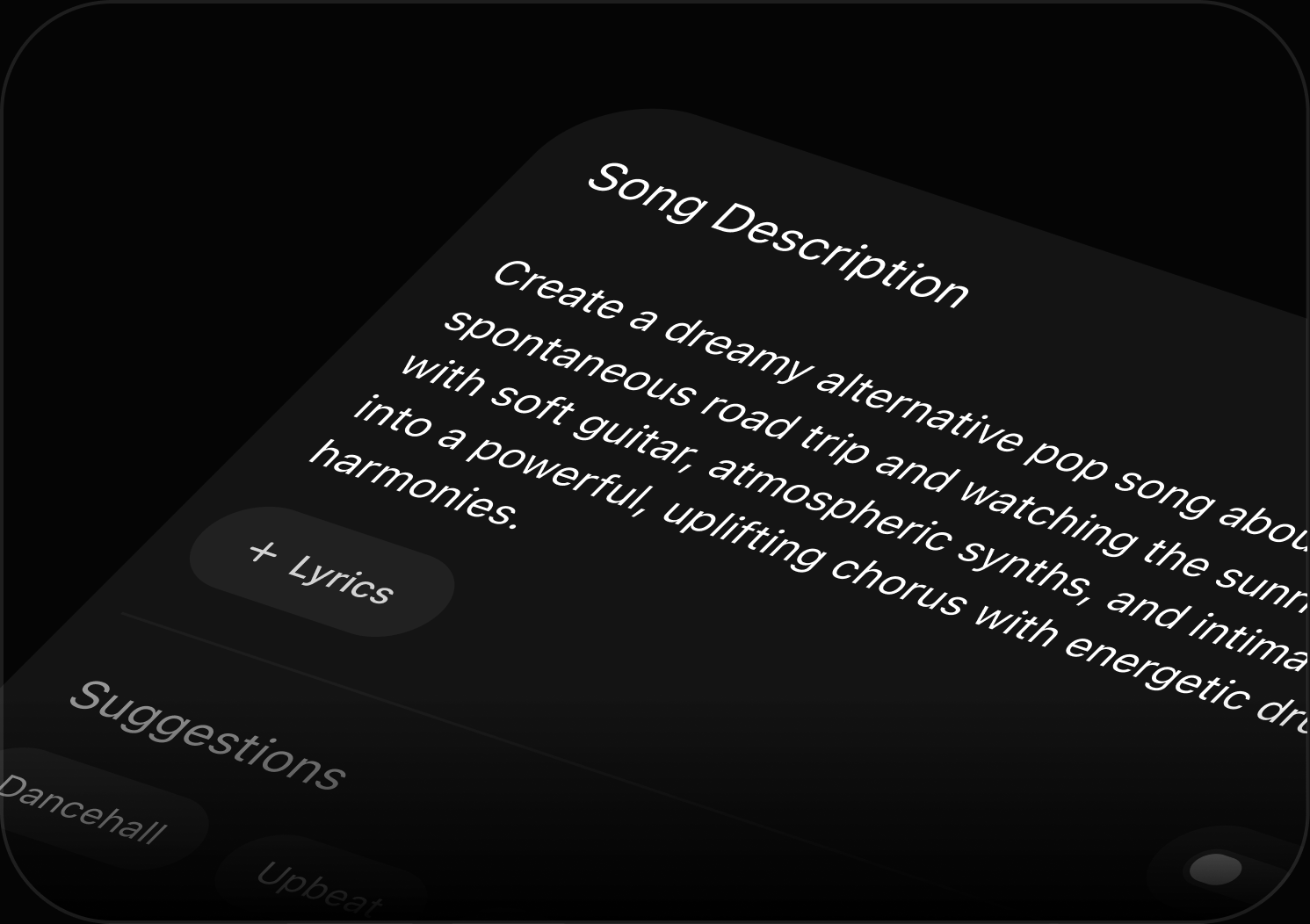
Tell MyTunes what kind of song you want to create. Add details like genre, mood, theme, or sound.
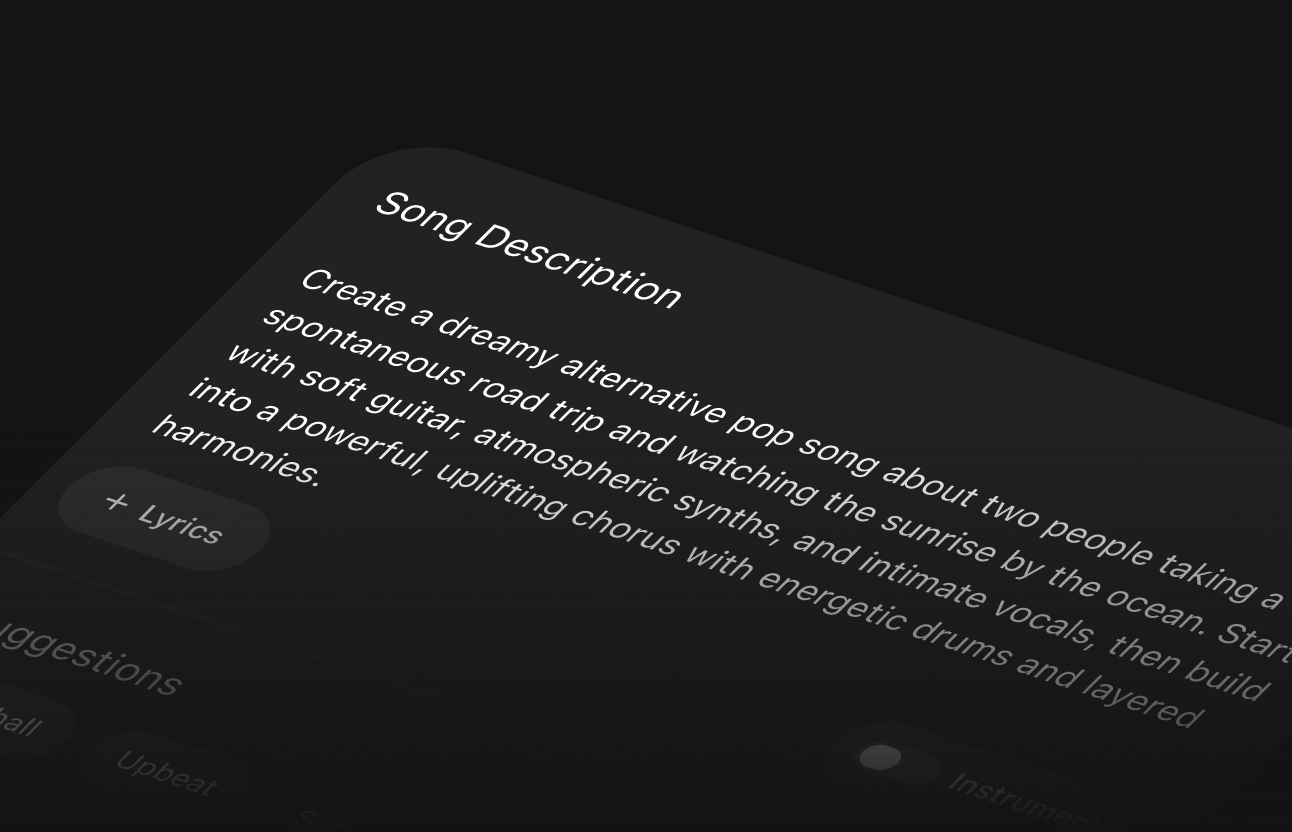
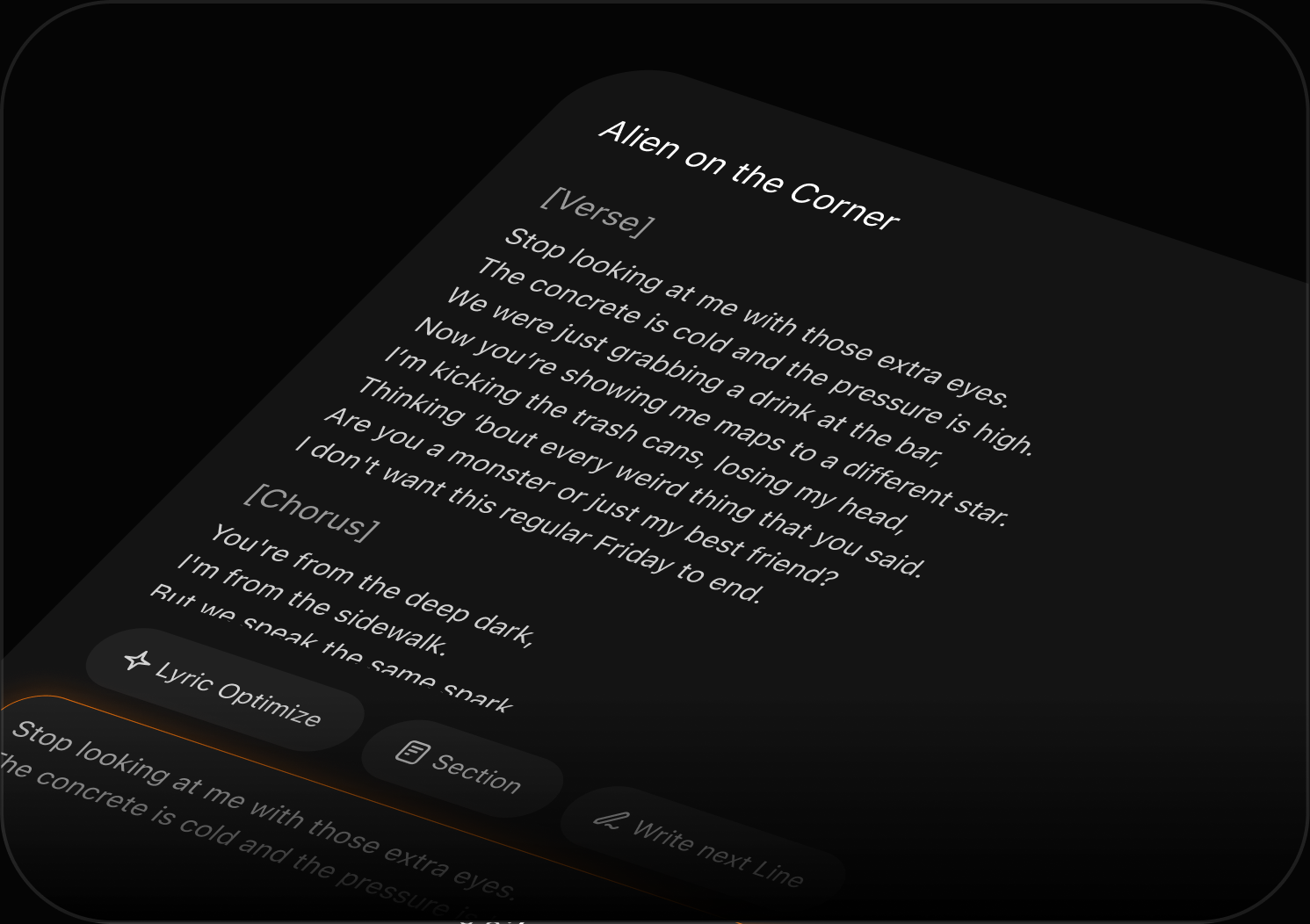
Choose suggestions, add lyrics, create an instrumental, or select the AI model that fits your needs.
Click Create and let MyTunes turn your idea into a complete AI-generated song.
Tell MyTunes what kind of song you want to create. Add details like genre, mood, theme, or sound.
Choose suggestions, add lyrics, create an instrumental, or select the AI model that fits your needs.
Click Create and let MyTunes turn your idea into a complete AI-generated song.
Built for anyone who wants to turn ideas, lyrics, and moods into original music with AI.
Create original songs from simple ideas without needing music production experience.
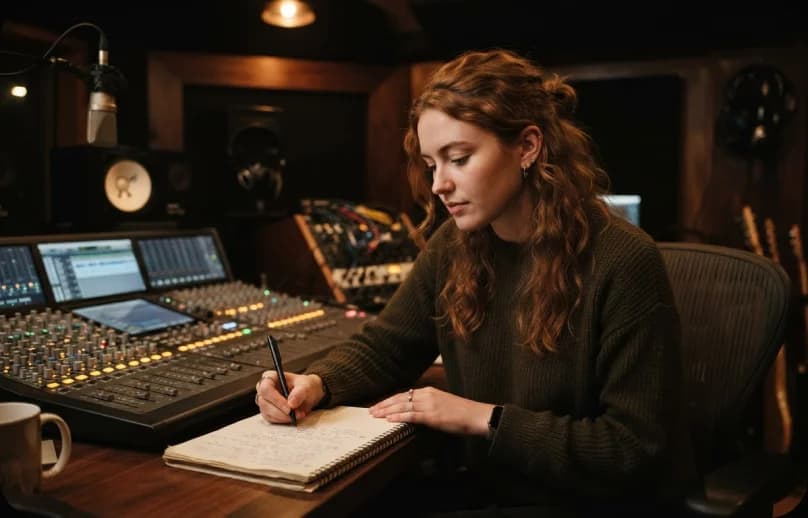
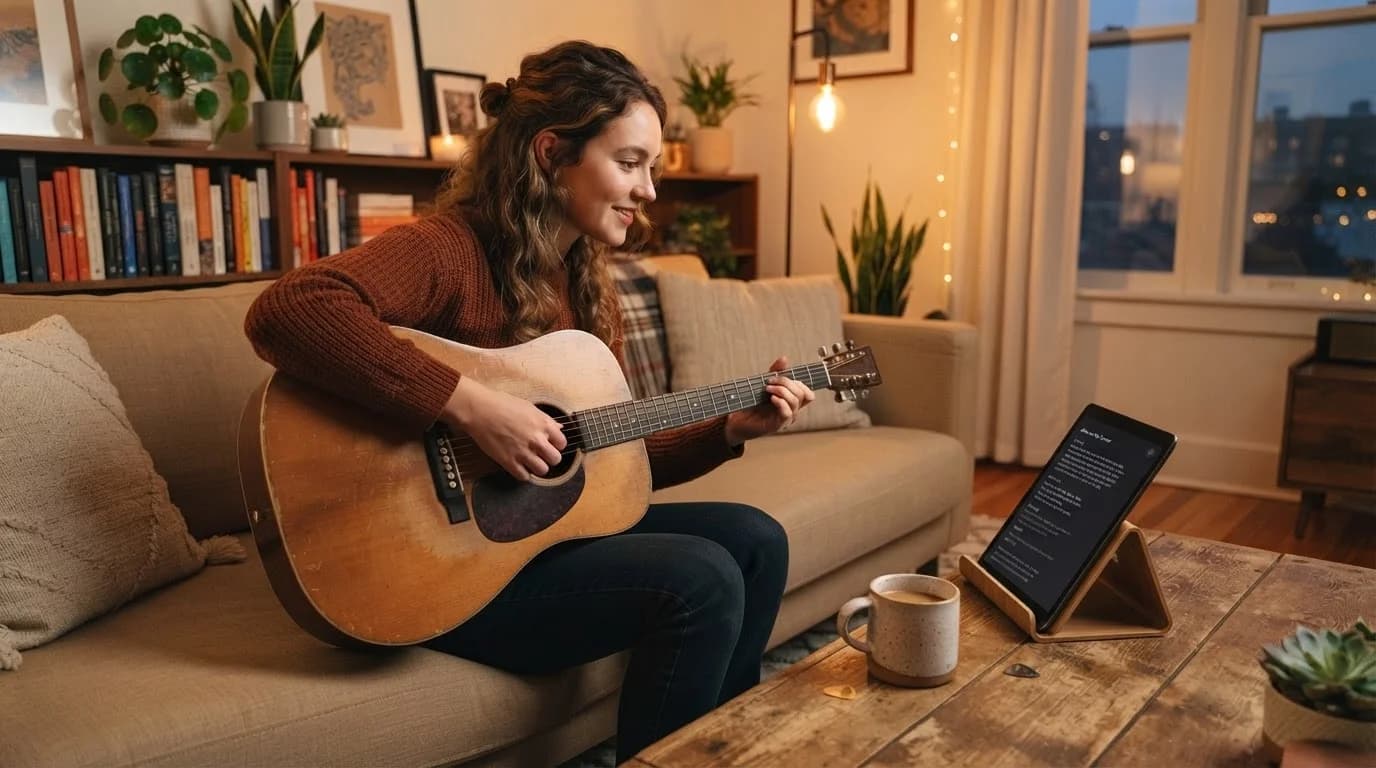
Turn your lyrics, concepts, and moods into complete songs with customizable styles and vocals.
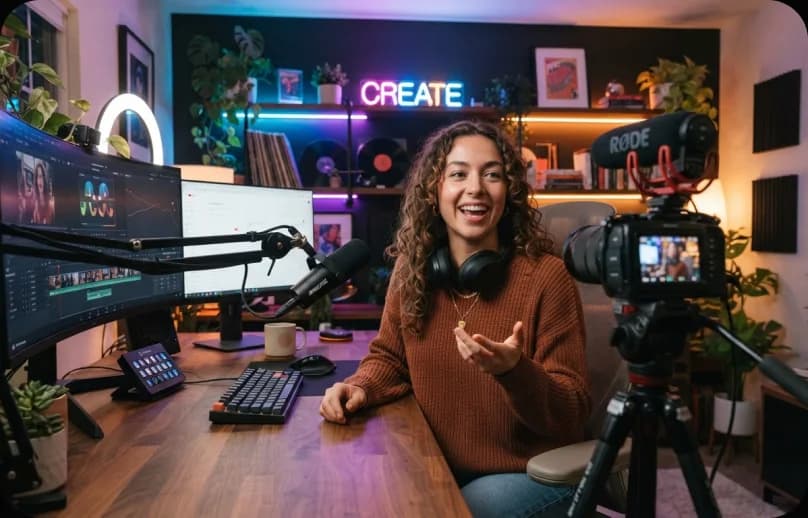
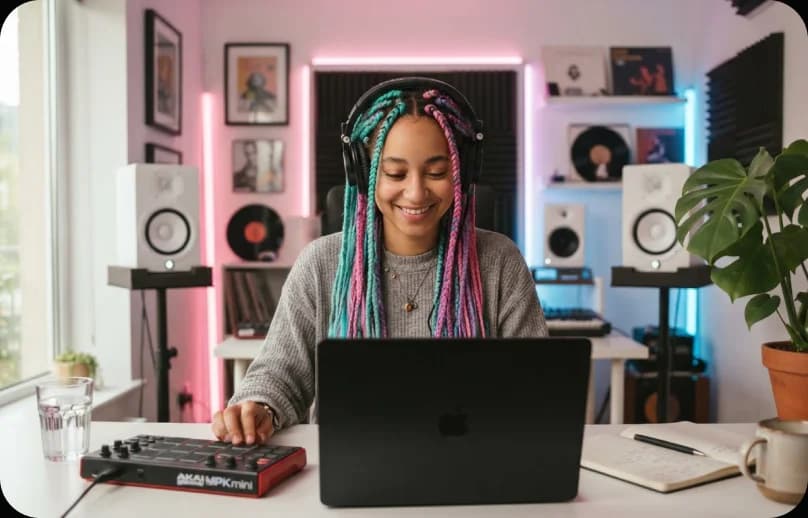
Generate original music for videos, social content, personal projects, and creative storytelling.
Create original songs from simple ideas without needing music production experience.
Turn your lyrics, concepts, and moods into complete songs with customizable styles and vocals.
Generate original music for videos, social content, personal projects, and creative storytelling.
From a simple idea to a complete song, MyTunes gives you different ways to create and customize your music in one place.
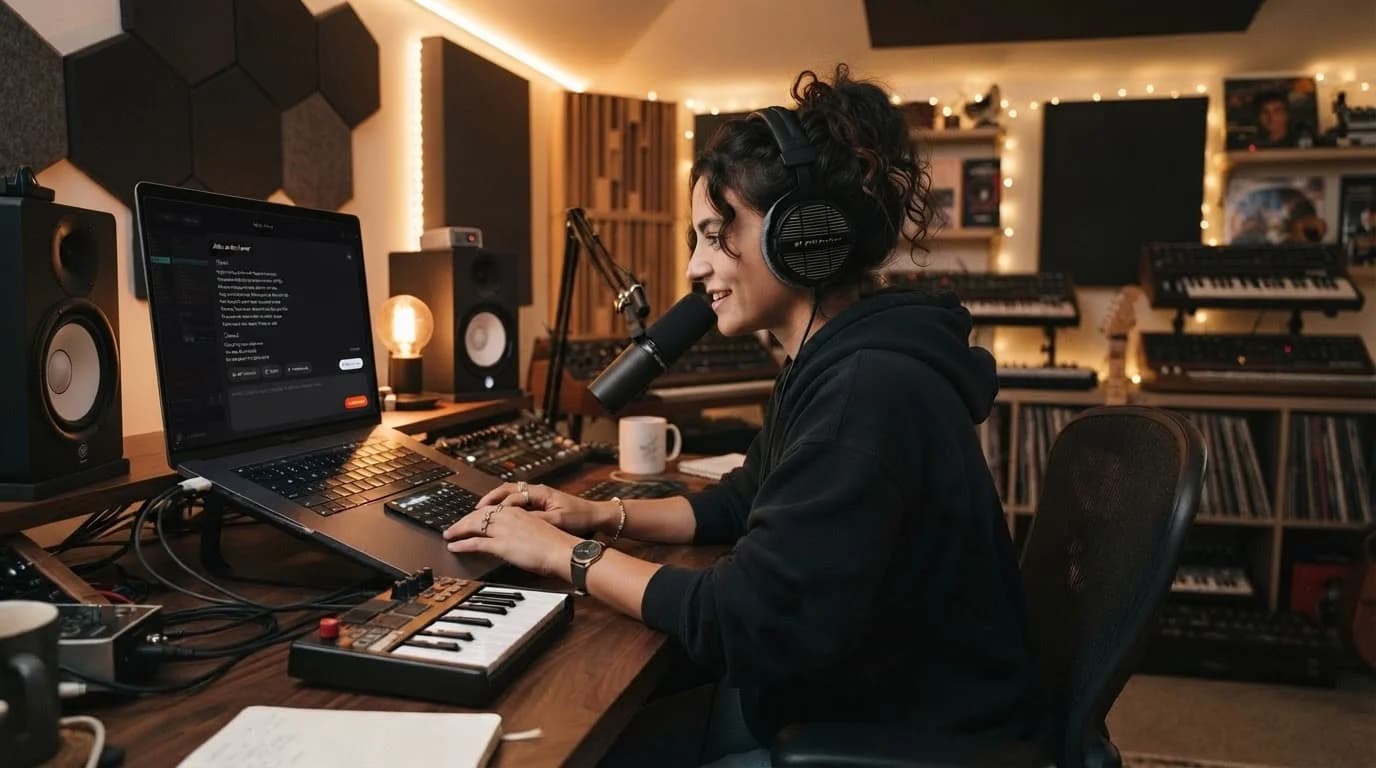
Turn a simple description into a complete song. Describe the mood, genre, theme, or sound you have in mind and let AI bring it to life.Learn more
MyTunes is an AI-powered music generator that turns your ideas and lyrics into original songs. Describe what you want to hear or add your own lyrics, customize the sound, and let AI create the song for you.
Simply describe the song you want to create. You can include details like genre, mood, theme, instruments, or overall sound. MyTunes uses your description to generate a complete song.
Yes. Add or paste your lyrics in MyTunes, choose your preferred style and other options, and generate a complete song based on your lyrics.
Yes. In Advanced Mode, you can use the AI Lyrics Generator to create lyrics and then use them to generate your song.
Yes. Enable the Instrumental option to generate music without vocals.
Simple Mode is designed for quick song creation from a description, while Advanced Mode gives you more control over lyrics, styles, vocals, song titles, and other generation options.
MyTunes offers multiple AI music models, including Muse v6 Pro, Muse v6, and Muse v6 Mini. Each model offers different audio capabilities and credit requirements.
Yes. You can describe the style you want or use suggestions such as Afrobeats, Dreamy, Deep Bass, Melodic Trap, and Cinematic to shape the sound of your song.
The number of credits depends on the AI model you select. The credit cost for each model is displayed before you generate your song.
Your generated songs are available in your MyTunes Library, where you can access and listen to your creations.